
Building Commenti: comments that write, schedule and track themselves
Staying visible on LinkedIn means commenting on the right posts, every day. Commenti does it in your voice — with limits and pacing that keep it human.
- SaaS
- AI
Why we built it
On LinkedIn, the people who stay visible are the ones who show up in other people's conversations. A thoughtful comment on the right post puts your name in front of an audience that has never seen your profile — often more effectively than posting yourself.
The catch is time. Doing it well means finding the right posts every day, reading them properly and writing something worth reading back. For founders, sales teams and consultants, that's hours a week they don't have, so it's usually the first thing to slip.
The tools that promised to help mostly sounded like bots: generic praise, copy-paste templates, obvious automation. That does more harm than silence. We wanted something that sounded like the person using it, and that was careful with their account.
“Comments should sound like you, not like a bot.”
How it works
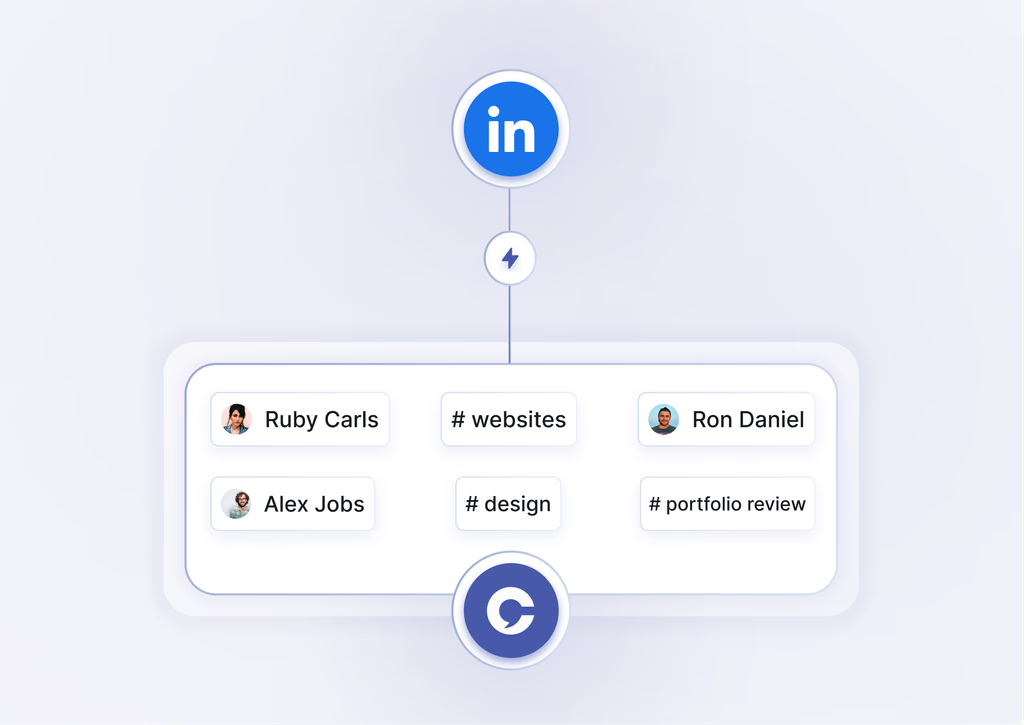
Choose where to show up. Pick keywords, hashtags, languages and the creators whose posts matter to you.
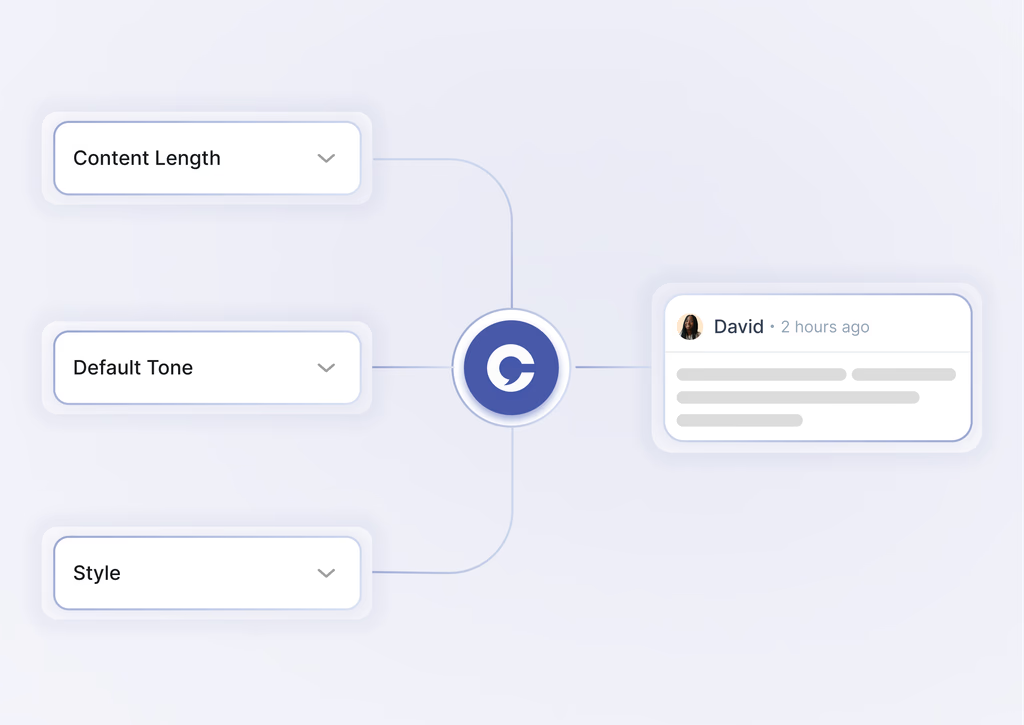
Set your voice once. Choose tone, length and style, and the AI writes comments to match.
Approve or auto-post. Review each comment yourself, or let Commenti post within your limits.
Targeting comes first
A great comment on the wrong post is wasted. That's why setup starts with where you want to be seen, not with what to say. You choose the hashtags and keywords that define your space, and the specific creators whose audiences overlap with yours.
From there, Commenti looks for fresh posts that match and decides which are worth a comment. The result is that your name keeps appearing in the same conversations your future customers, hires or partners are already reading.
Sounding like you
Tone is set once — how formal, how long, what style — and the AI drafts comments that respond to what the post actually says. A comment that picks up on a specific point reads very differently from 'Great post, thanks for sharing'.
Some people want to read every comment before it goes out; others are happy to let it run. Both work: approve comments one by one, or switch to auto-post and check the activity log when you have time.
Built to feel human
Automation that behaves like automation gets noticed — by people and by platforms. So the safety rules are part of the product, not settings hidden at the bottom of a page.
Tone-matched comments
Written to read like you on a good day, not like a template.
Daily limits
A cap on comments per day keeps activity at a natural level.
Human-like pacing
Comments are spread out instead of fired off in a burst.
Skip filters
Posts that aren't a good fit are left alone.
Everything on one dashboard
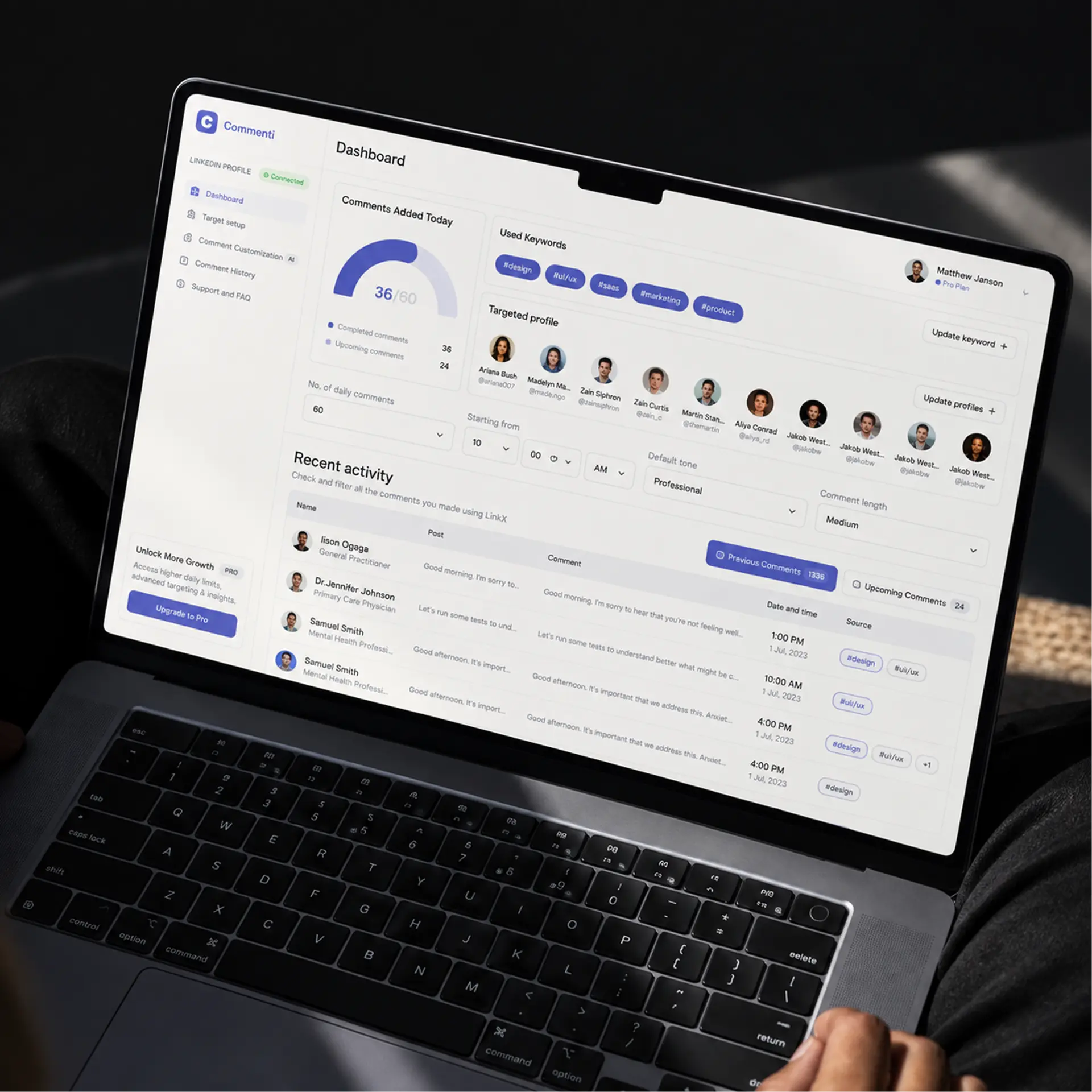
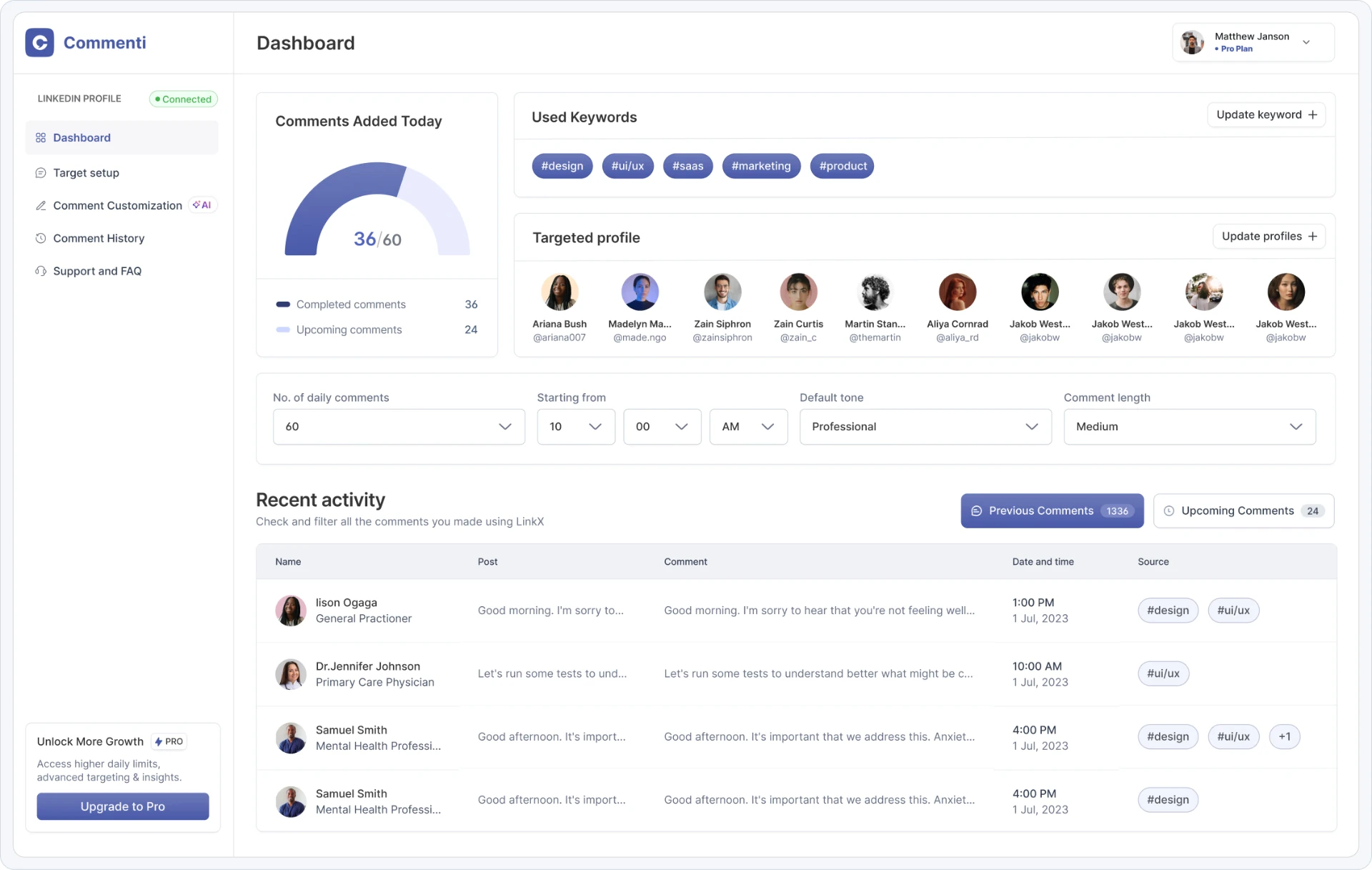
The dashboard shows comments added today, the keywords in use, the profiles being targeted and a log of recent activity — so you always know what was said in your name, and where.
What we learned building it
Quality beats volume. A few relevant comments a day do more than dozens of generic ones.
Control builds trust. Approving comments first lets people see the quality before handing over more.
Safety is a feature. Limits and pacing are what make it something people can leave running.
Want to try it? Visit commenti.in. (opens in a new tab)
- SaaS
- AI